We’re working hard on some very exciting features, but until they are ready, here are some changes you’ll find in the most recent upgrade.
2 New Languages: Czech and Russian
- It’s always a treat to add more translations. We’re now up to 16 languages and there are more translations on the way 🙂
XPS Website and Apps — New Features and Improvements
- Click here to see a short video overview of the changes!
- Remember that the app works for both coaches/trainers and athletes/clients:
- Reset password functionality is now available on the website or in the apps
- Athletes and clients can now write their own comments on workouts.
- Workouts and practices can now be moved from one day to another.
- Coaches/Trainers can now also receive messages.
- Android app now also has the pull-down-to-refresh functionality.
- All team sessions (also events and games) are now shown in Home screen.
- When multiple groups, team sessions are shown with group name on Home screen.
- Times for team sessions are shown on Home screen.
- In Shared/Collection section, user preference of List or Grid view is now remembered.
- Bug fixed that caused cursor to be misplaced in reps/sets popup.
- Various other minor bug fixes and performance improvements.
XPS Desktop Application — New Features and Improvements
- Create Users — Click to see how it works!
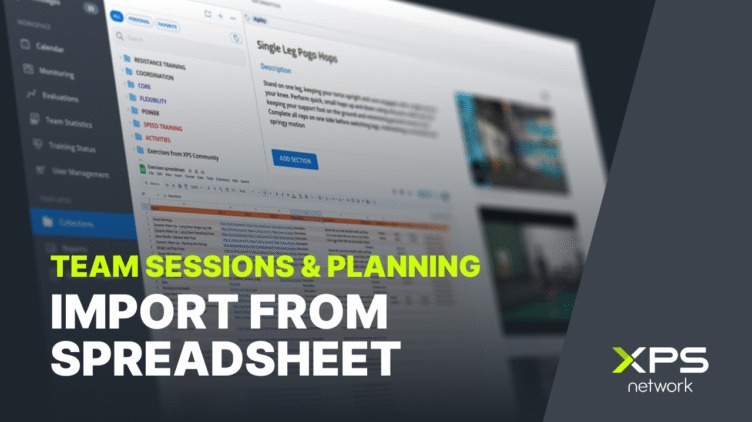
- You can now skip the step of having athletes or clients register before you interact with them.
- Advanced Statistics — Click to see how it works!
- Planned sets can be queried. Also performed sets up to the time of the last performed set and then planned.
- New queries can be saved without participants.
- COUNT can be used to count sets. For example for counting throws and sprints.
- Results table: Workouts/Practices can be opened by right-clicking and choosing “Open”.
- Improved performance
- Calendar Settings — Click to see how it works!
- Column widths remembered per user for practice plans
- Font size can be chosen for practice plans
- End time can be included in printouts for practice plans and workouts
- Coach to Coach Messages — Click to see how it works!
- Coaches/Trainers can now send messages to other Coaches/Trainers
- Statistics Export — Click to see how it works!
- Send an image of statistics results through messages
- The video player for showing embedded videos has been improved.
- Workspace-Information (with focused athlete) displays its contents in a more user friendly manner.
- Calendar: Copy/Paste option for group events and games. CTRL+C copies all team sessions.
- When video files need to be converted for uploading, the converting is much faster than before.
- Generating workout programs for athletes and clients is much faster than before.
- Various other minor bug fixes and performance improvements.
Sideline Video Analyzer Improvements
- You can import stop times from CSV (Excel) files — Click to see how it works!
- Converting video clips is now much faster on most computers.
- More visual progress when cutting and merging.
- A synchronization bug in Event Sets has been fixed.
- A bug was fixed that made it impossible sometimes to merge more than 20 clips together.
- Various other minor bug fixes.
Hope you enjoy the additions and changes.
Please send feeback to support@sidelinesports.com. We really appreciate it.