


XPS Network and KINEXON Sports announce new API integration
A new connection brings KINEXON Sports player-tracking data into customizable XPS Reports, allowing coaches, performance staff and sports directors...
Read More
2025 has been a busy and rewarding year at XPS Network. Working closely with coaches and teams across different sports, we focused on building features that make everyday work simpler, faster, and more connected. Many of this year’s updates were driven by direct feedback with the goal of helping teams spend less time on admin and more time supporting athletes.

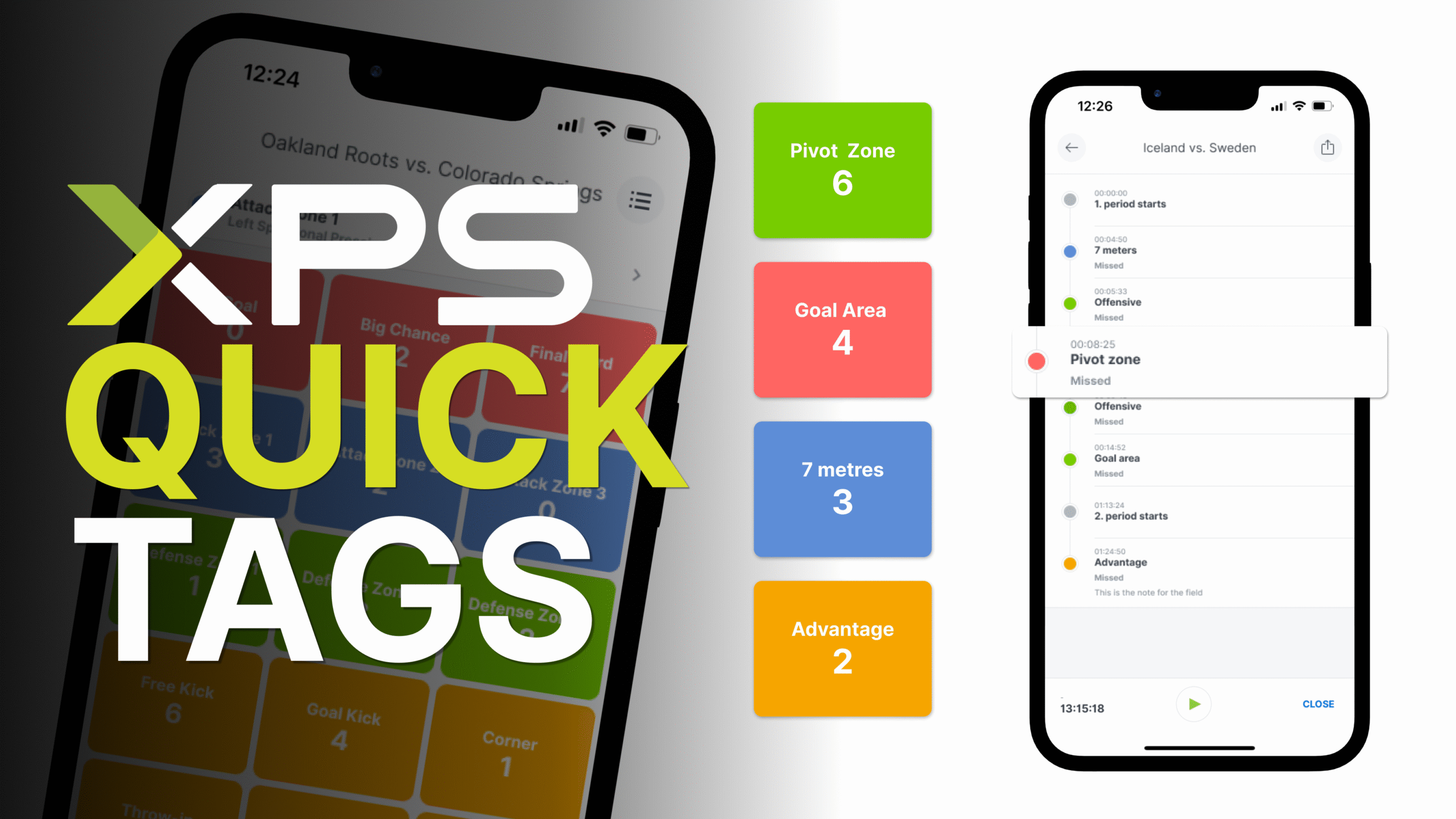
XPS Quick Tags allows staff to tag key moments live during matches or training directly from the app. Built for speed and ease of use, it helps teams capture important moments as they happen and connect video seamlessly with analysis and reporting workflows.
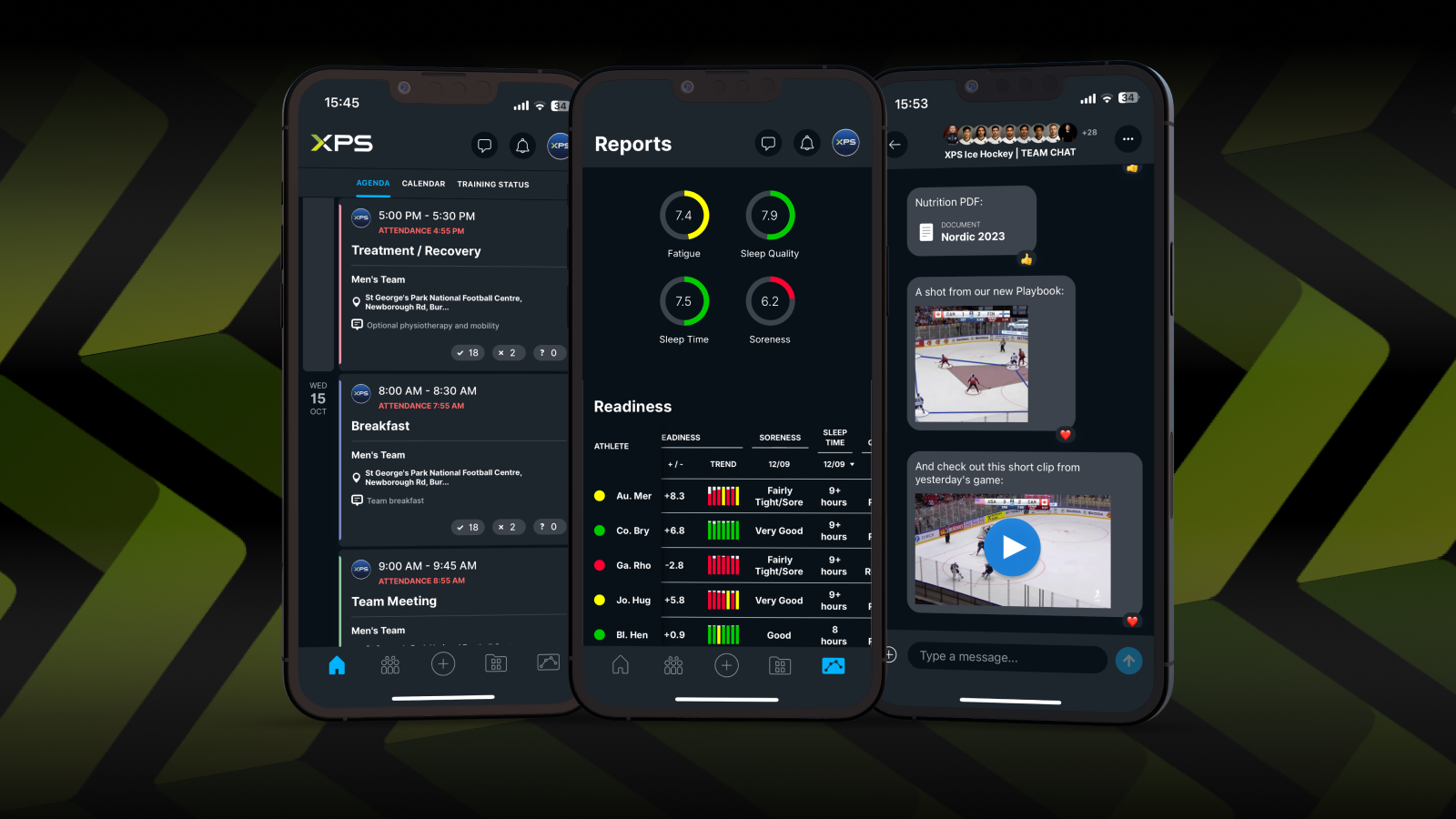
Dark Mode was introduced to give users a more comfortable viewing experience, especially during longer sessions or in low-light environments. It improves accessibility while keeping the same familiar XPS experience across the app.
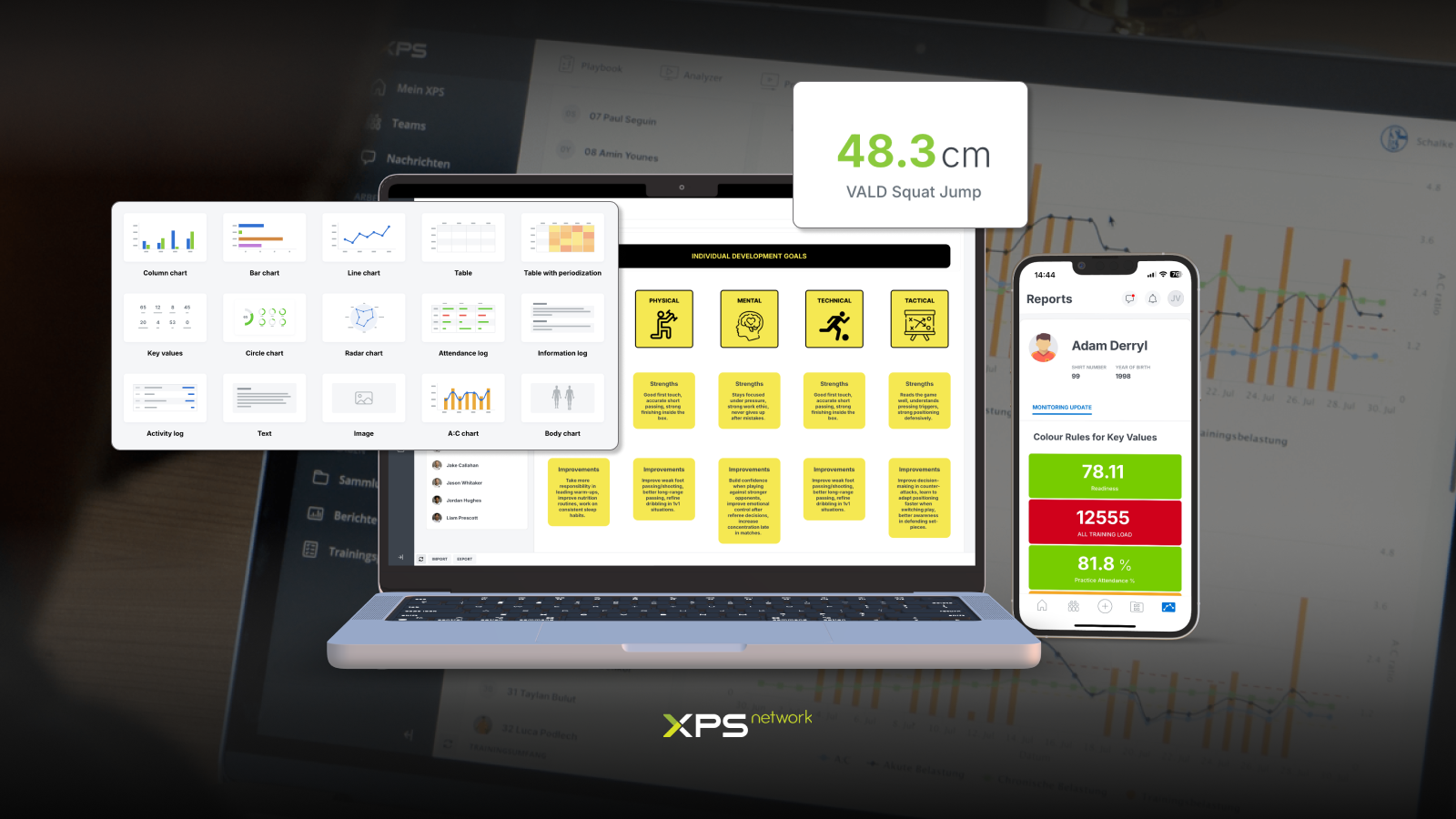
XPS Reports continued to evolve in 2025 with new text and image widgets, improved report sharing, and easier import and export of monitoring data. These updates make it easier to build clear, flexible reports that support decision-making and athlete communication.
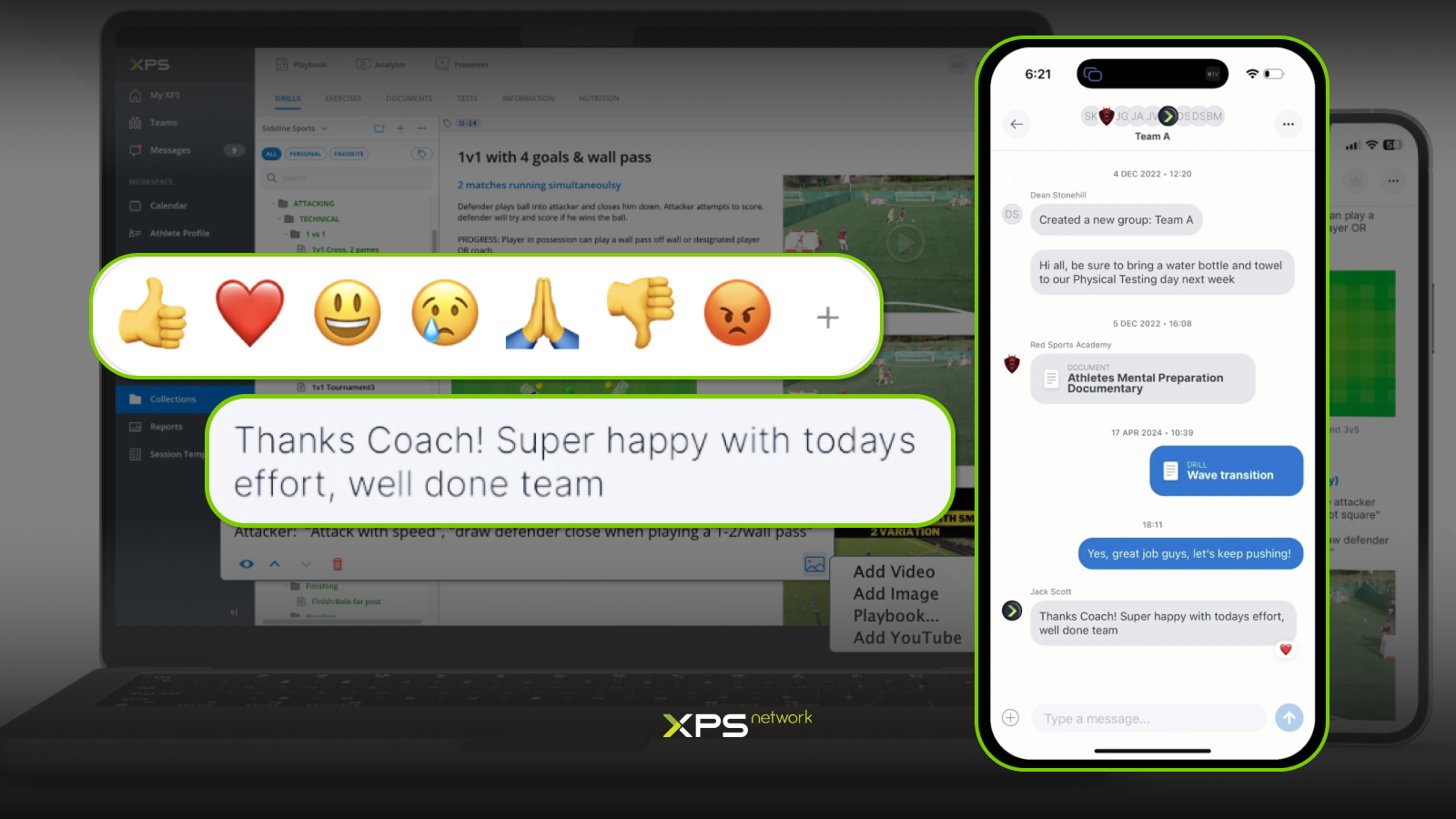
Throughout the year, the XPS mobile app received continuous updates focused on performance, usability, and communication. New features like message reactions and improved content uploads help teams stay connected, while behind-the-scenes improvements ensure a faster and more reliable experience.
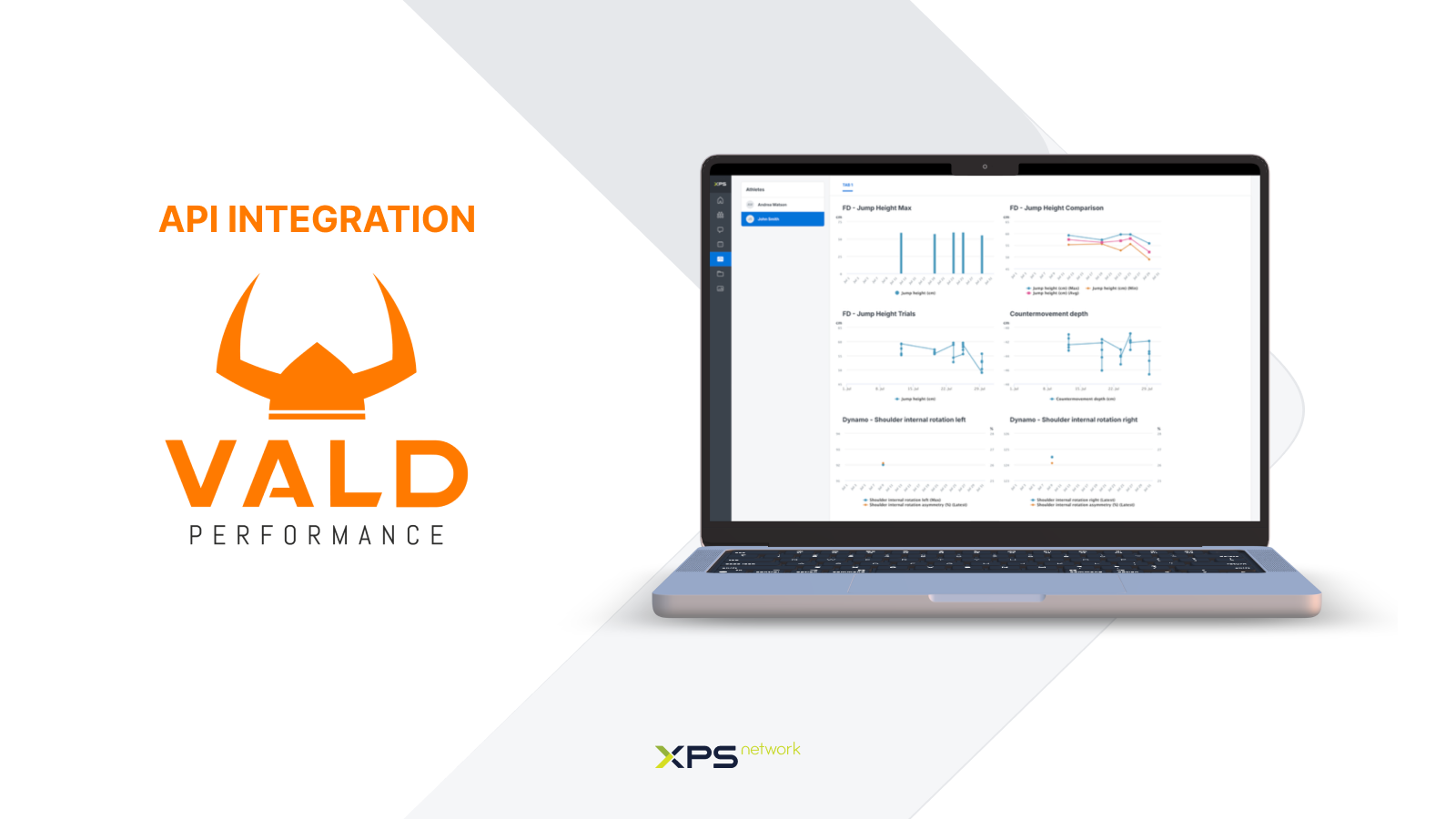
We continued to develop and improve our API integrations, with a strong focus on making data flow more reliable, flexible, and useful in daily workflows. Significant progress was made around key integration partners VALD and STATSPerform, helping teams bring external data into XPS more smoothly and use it alongside planning, monitoring, and reporting tools – all in one place.
In 2025, XPS webinars continued to focus on practical examples, real workflows, and how teams use the platform in their daily work. Below are some of the most popular sessions from the year.
Building an Efficient Microcycle to Improve Performance
This webinar explored how to structure a microcycle with clear planning, load management, and performance goals in mind, using XPS tools to support the process from start to finish.
Turning Data into Real Insights with XPS Reports
A deep dive into building athlete-specific reports, combining data from testing, monitoring, and conversations to create clear insights that support better decisions.
FIBA EuroBasket Video Tagging with XPS Quick Tags
This session showed how Quick Tags was used in a high-level tournament environment, demonstrating fast live tagging and efficient video workflows in elite competition.
How to Get the Most Out of Quick Tags
Focused on practical tips and best practices, this webinar covered how teams can use Quick Tags to improve speed, consistency, and collaboration in video analysis.
As we move into 2026, we’d like to thank everyone who shared feedback, ideas, and experiences throughout the year. Your input continues to shape how XPS Network evolves, and we’re excited about what’s ahead. We wish all teams, coaches, and organisations a successful and healthy year in 2026 – and we look forward to continuing the journey together.

A new connection brings KINEXON Sports player-tracking data into customizable XPS Reports, allowing coaches, performance staff and sports directors...
Read More
This past weekend, our global sales team came together in Belgrade, Serbia for several inspiring days of conversation, collaboration...
Read More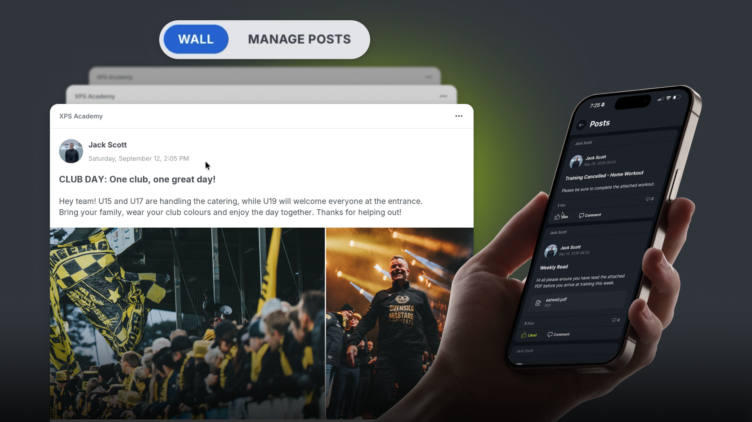
We are excited to release Posts, a highly requested feature which is essentially a shared feed inside your XPS...
Read MoreThank you!
Our representative will get back to you soon with time suggestions for an online meeting.
If you have any questions contact us at support@sidelinesports.com
Schedule a short online meeting with our representative
Try free XPS 14-days trial right now No credit card required


