


XPS Network and KINEXON Sports announce new API integration
A new connection brings KINEXON Sports player-tracking data into customizable XPS Reports, allowing coaches, performance staff and sports directors...
Read More
July 11, 2025
1 min reading
A super handy update just landed in your XPS Network: you can now import and export directly from the Monitoring section.
No need to jump between menus – whether you’re working with Test data or Information, everything’s right where it should be. This also includes support for mixed imports, combining test results with information, which many of XPS users have been asking for.
Placing these tools in Monitoring makes the workflow more natural and easier to find, especially when managing data on the fly. Find out all you need to know in the XPS Tutorial below.
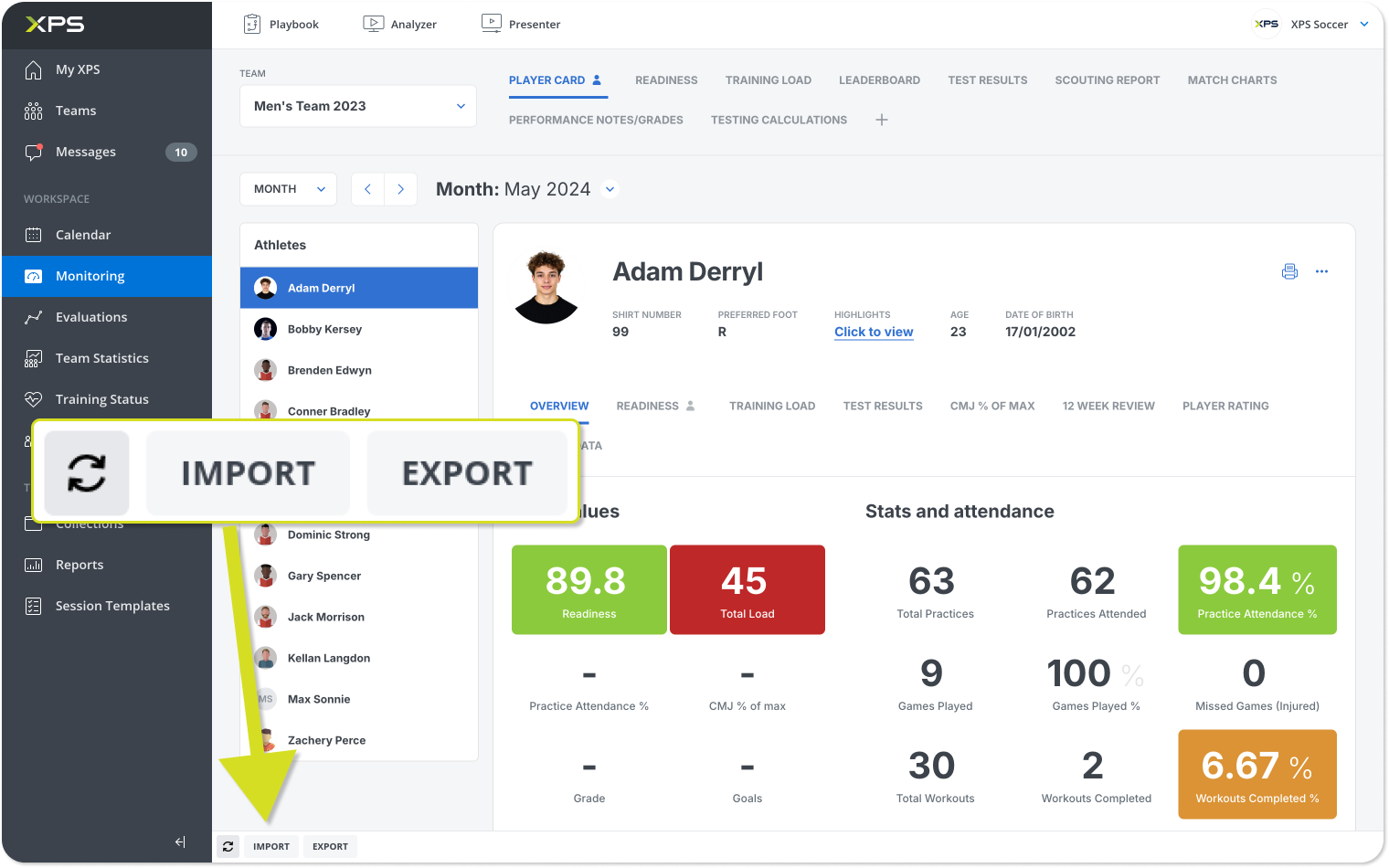
Give it a try next time you’re in Monitoring. Just look for the Import and Export buttons, and you’re good to go!

A new connection brings KINEXON Sports player-tracking data into customizable XPS Reports, allowing coaches, performance staff and sports directors...
Read More
This past weekend, our global sales team came together in Belgrade, Serbia for several inspiring days of conversation, collaboration...
Read More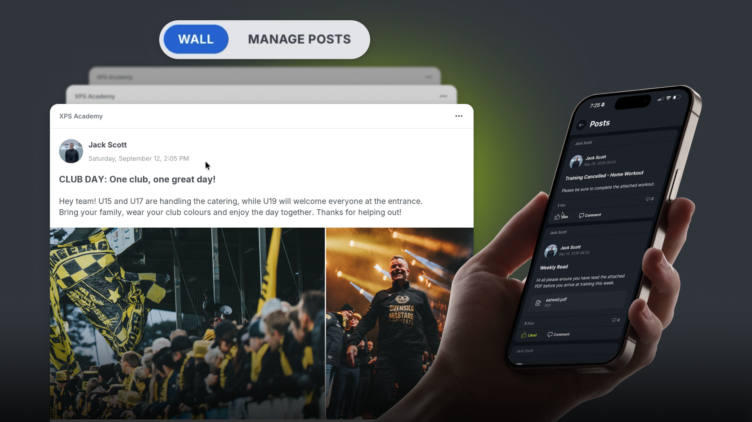
We are excited to release Posts, a highly requested feature which is essentially a shared feed inside your XPS...
Read MoreThank you!
Our representative will get back to you soon with time suggestions for an online meeting.
If you have any questions contact us at support@sidelinesports.com
Schedule a short online meeting with our representative
Try free XPS 14-days trial right now No credit card required


