


XPS Browser Goes Dark!
Dark mode is now live in the XPS Network Browser. Cleaner on the eyes. Sharp on the screen. And...
Read More
November 2, 2023
1 min reading
We bring you a quick tutorial of an integral User Management tool – Connect Feature. Check out in our video below how to connect already existing athletes or coaches to your account to be able to share selected data easier.
0:00 | How to share athlete data between multiple accounts?
0:33 | Connecting an athlete to your account
1:07 | Connecting a coach to your account
1:40 | Switch between accounts
Another handy feature explained in XPS Shorts! Select “All Accounts” and copy or share your data between accounts with ease.
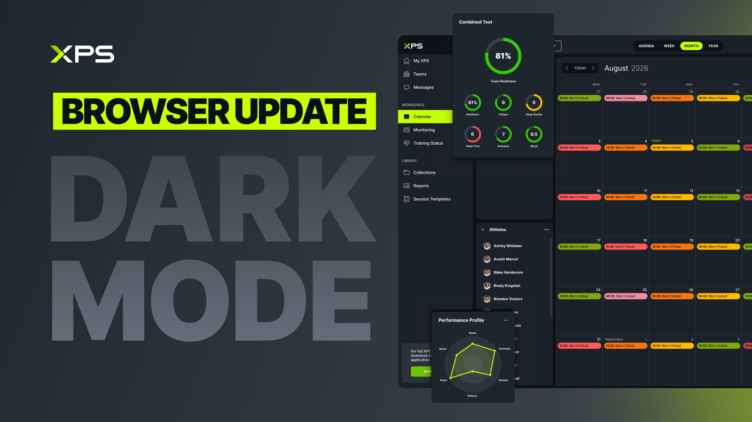
Dark mode is now live in the XPS Network Browser. Cleaner on the eyes. Sharp on the screen. And...
Read More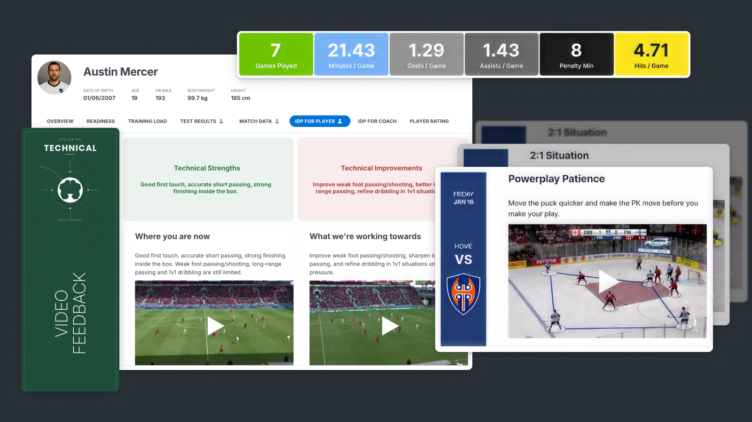
Great coaching happens when feedback is clear, engaging, and easy to understand. While written comments are invaluable, sometimes a...
Read More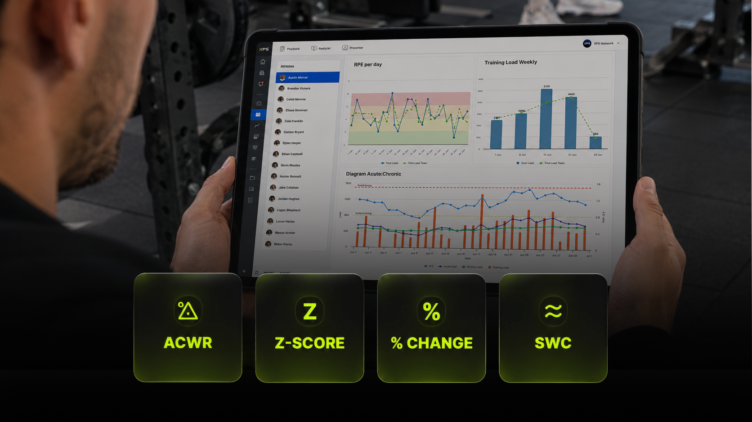
Collecting athlete data has never been easier. GPS systems, force plates, wellness questionnaires, heart rate monitors, and wearable technology...
Read MoreThank you!
Our representative will get back to you soon with time suggestions for an online meeting.
If you have any questions contact us at support@sidelinesports.com
Schedule a short online meeting with our representative
Try free XPS 14-days trial right now No credit card required


